
How to Search Cases by Name
Cochise County case lookup work starts with the free Arizona Judicial Branch Public Access to Court Case Information. Name mode needs a last name or business name. Add a first and middle name to narrow a common match. Before opening a result, compare the court and the case type. Check the filing date too, and each party's role. "All Searchable Courts" helps when you don't know the venue. The tradeoff: it can pull unrelated people from elsewhere in Arizona.
Pick the court carefully. "Cochise County Superior" points to the Superior Court of Arizona in Cochise County. The dropdown also lists Benson, Bisbee, Douglas, Sierra Vista, and Willcox Justice and Municipal courts. Bowie Justice and other local options appear as well. Search a city citation only under Superior Court and it will likely fail.
- Open Public Access and type the generated verification word. If verification fails, use the Submit button instead of pressing Enter.
- Select party-name mode. Enter the last name or business name, then add first or middle name only as useful filters.
- Pick a filing year and the exact Cochise County court when known. Use all searchable courts only when the court is truly uncertain.
- Compare the case number, court, case type, filing date, status, and party role. Open Case Information only after those fields align.
- Read the newest Case Events and minute entries. Confirm urgent or official facts with the court that owns the case.
| Field Label | Type | Required | Options or Format |
|---|---|---|---|
| Verification word | CAPTCHA text | Yes | Retype the generated characters |
| Last Name or Business Name | Text | Name mode | Main name-search value |
| First and Middle Name | Text | No | Useful to narrow similar results |
| Year | Dropdown | No | Choose a year or leave the broad option |
| Court | Dropdown | No | All searchable courts or one named court |
| Submit | Button | Yes | Runs the selected search |
Cochise County Case CAPTCHA
Both search modes ask for the generated verification word before Public Access will run. If the form rejects an entry that looks right, the portal suggests clicking Submit rather than pressing Enter.
Cochise County Case Court Selector
A strong habit is to separate court level from place name. Benson Justice and Benson Municipal are different choices. The split repeats in Bisbee, Douglas, Sierra Vista, and Willcox. Justice Courts handle state-law misdemeanors, DUI, traffic, eviction, small-claims, and limited civil files. Municipal courts keep city ordinance and city-issued traffic cases. The Superior Court holds felony and general-jurisdiction civil files. It also holds family, probate, juvenile, and mental-health matters that may face access limits.
The Arizona courts publish a list of courts not included in Public Access. That list shows why a statewide query cannot prove every Arizona court was checked. Case categories can fall outside it too.
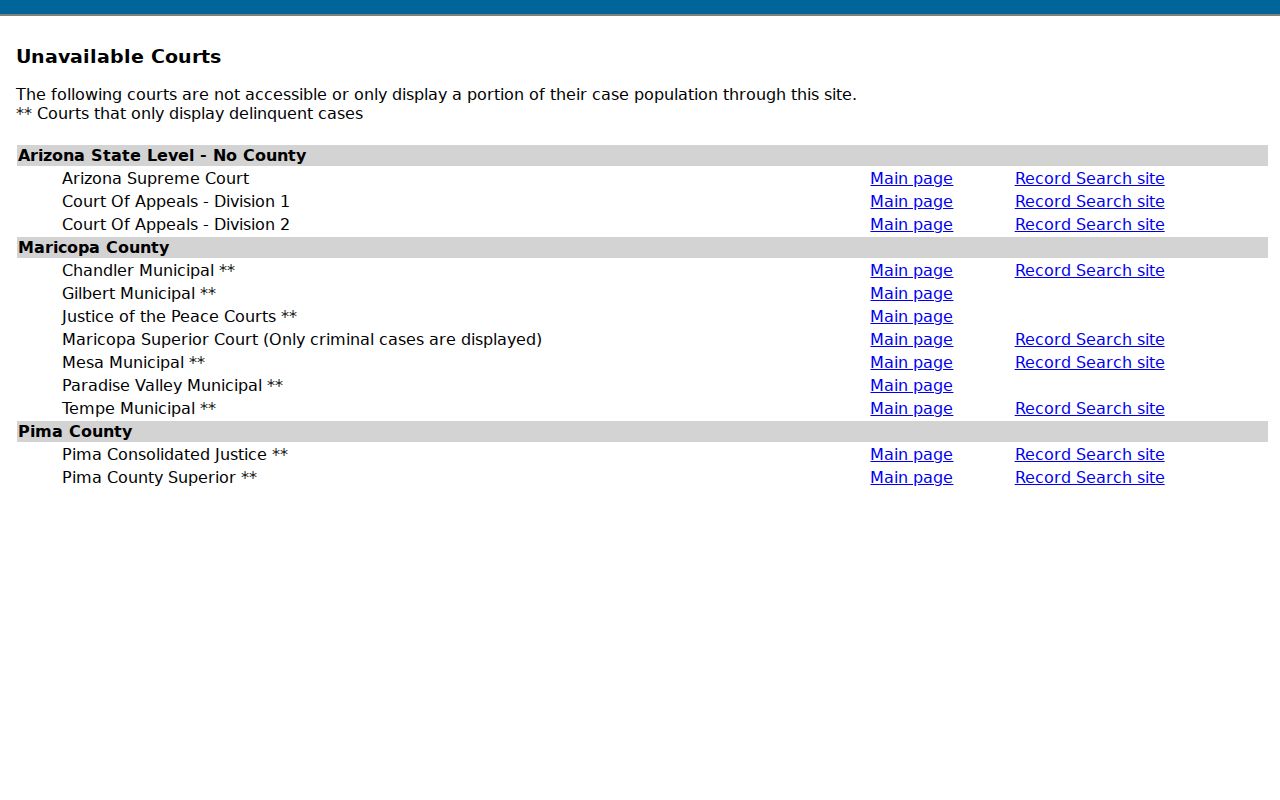
Participation is only one issue in a Cochise County case search. Local ordinance cases and several protected case types stay excluded even when a court otherwise sends data.
Court-name trap: Select the court printed on the filing or citation. A shared city name does not make Justice and Municipal records interchangeable.
How to Search by Case Number
A case number works fastest when copied exactly. Take it from a notice, order, citation, or earlier result. Arizona numbers carry type prefixes such as CR for criminal and CV for civil. They then add year and sequence information. Public Access offers CV-200812345 as its own format clue. Keep the punctuation the court shows. Never rebuild a number from memory if a source document is at hand.
Select case-number mode and enter the full value. Then review the named court on the result anyway. A lower-court appeal, felony transfer, remand, or consolidation can create a second number in another court. If the chronology stops at a transfer, search both identifiers. A Justice Court preliminary matter can continue later in Superior Court under a new record.
Cochise County Case Coverage Limits
The Public Access year selector reaches back to 1916. That control does not promise complete online history, though. Old records, nonparticipating data, spelling variations, and retention issues may still call for a phone call to the clerk.
Cochise County Case Search Fallbacks
A missing Cochise County case lookup calls for a channel check, not a conclusion. Public Access refreshes weekly. Friday's publication reflects information through Wednesday. A new filing or late reset may not show yet. The Clerk directory lists the Superior Court Research Office at 520-432-8635. Staff there can route an old, excluded, or unclear Superior Court matter.
The Bisbee and Sierra Vista Clerk locations offer public computers. You may also submit the official records form by email to CochiseCountyResearch@courts.az.gov. Mail works too: P.O. Box CK, Bisbee, AZ 85603. In-person delivery at either Clerk counter is another option. Justice and Municipal Court files must go to their own clerks. Phone, counter, and request-form channels don't bypass confidentiality, but they fix wrong-court and coverage problems.
Eligible Superior Court civil and criminal documents qualify if filed on or after July 1, 2010. Arizona's separate eAccess service can supply images of those.
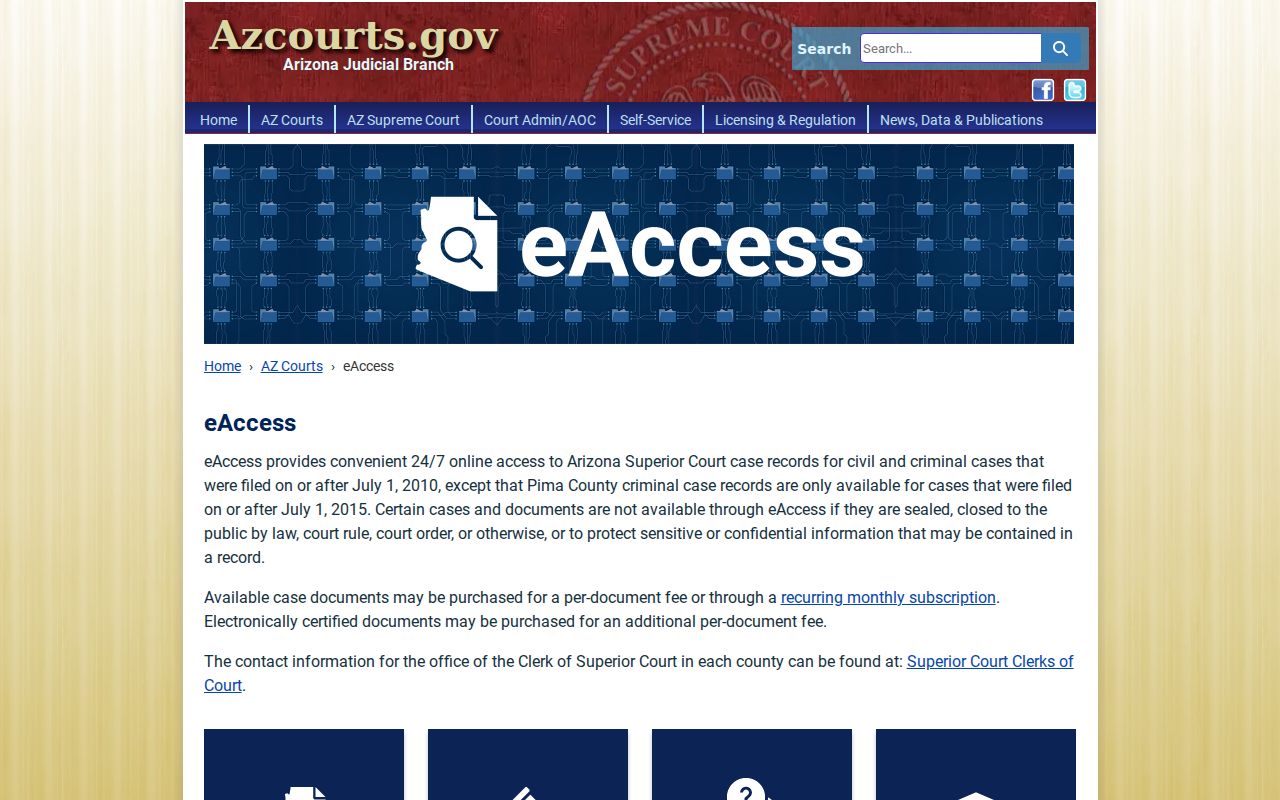
The eAccess page offers a document layer, not a replacement for the free index. Registration and payment apply. Sealed or restricted material stays unavailable.
What a Case Search Shows
A Cochise County case search result is an informational summary. It can identify the court and case. It lists public parties by role and shows dated events. Criminal cases may add charge descriptions and count-level outcomes. Civil records may add the claim type and judgment events. But a result title only reports that an item was filed or entered. It does not replace the complaint, motion, order, or judgment itself.
| Case Information | Case number, court, filing date or year, type, and current status |
|---|---|
| Parties | Public names and roles, with protected people filtered |
| Case Events | Dated filings, settings, minute entries, orders, and disposition clues |
| Charges or Claim | Criminal counts and outcomes or the civil classification, when supplied |
| Settings | Hearing type, date, time, officer, or courtroom when entered |
| Documents | Index information in Public Access; eligible images through eAccess or the clerk |
Cochise County Case Event Clues
Read events in date order. Find the newest item that controls. "Continued" or "reset" moves a setting, and "vacated" removes it without dismissing the case. A disposition reaches only as far as the record says.
Cochise County Case eAccess Documents
Think of the free case-events list and the filed record as two different things. eAccess sits on the account side of the line. It sells eligible document images one at a time or by subscription, and electronic certification costs extra. The official registration and pricing overview lays out those choices.
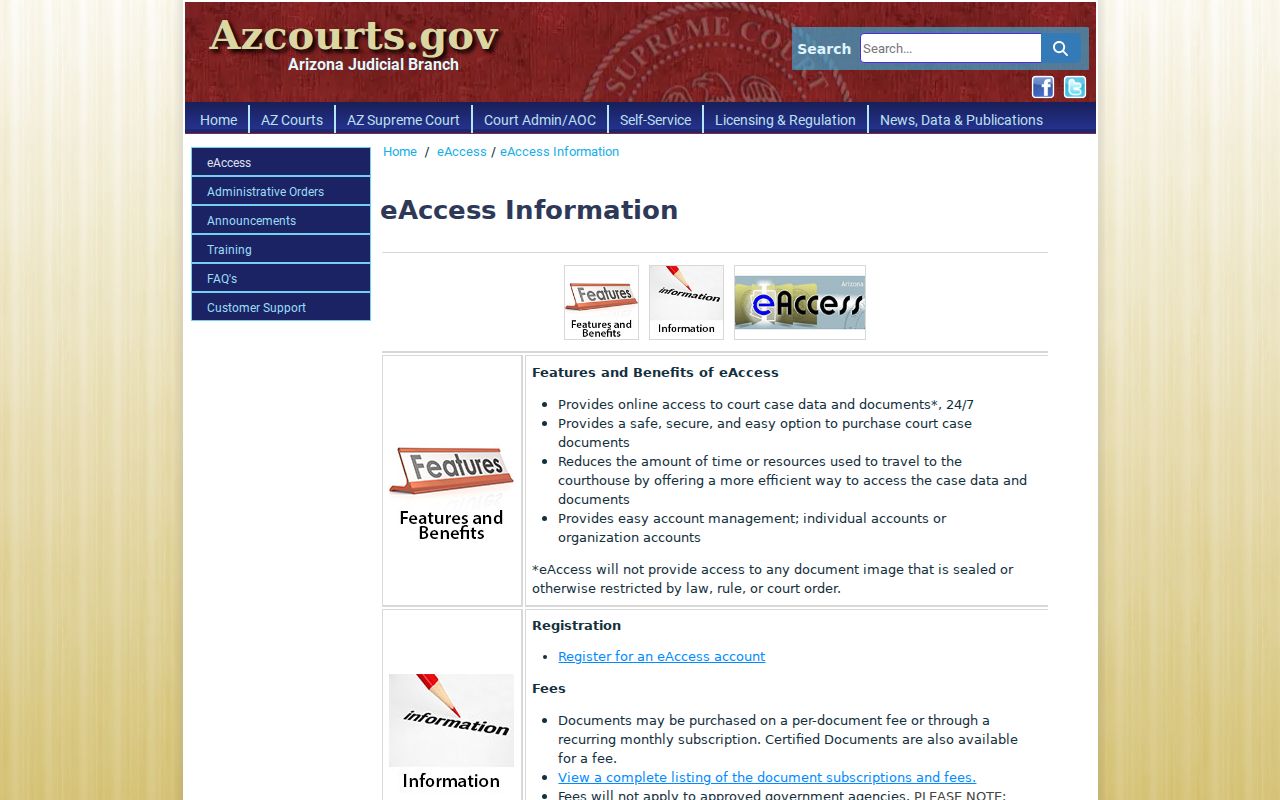
Turn to eAccess only when you need the exact wording of a Superior Court civil or criminal filing. It costs money. Some event images never leave the courthouse.
The courts also offer eAccess training covering both Case and Event Search and Case and Party Search.
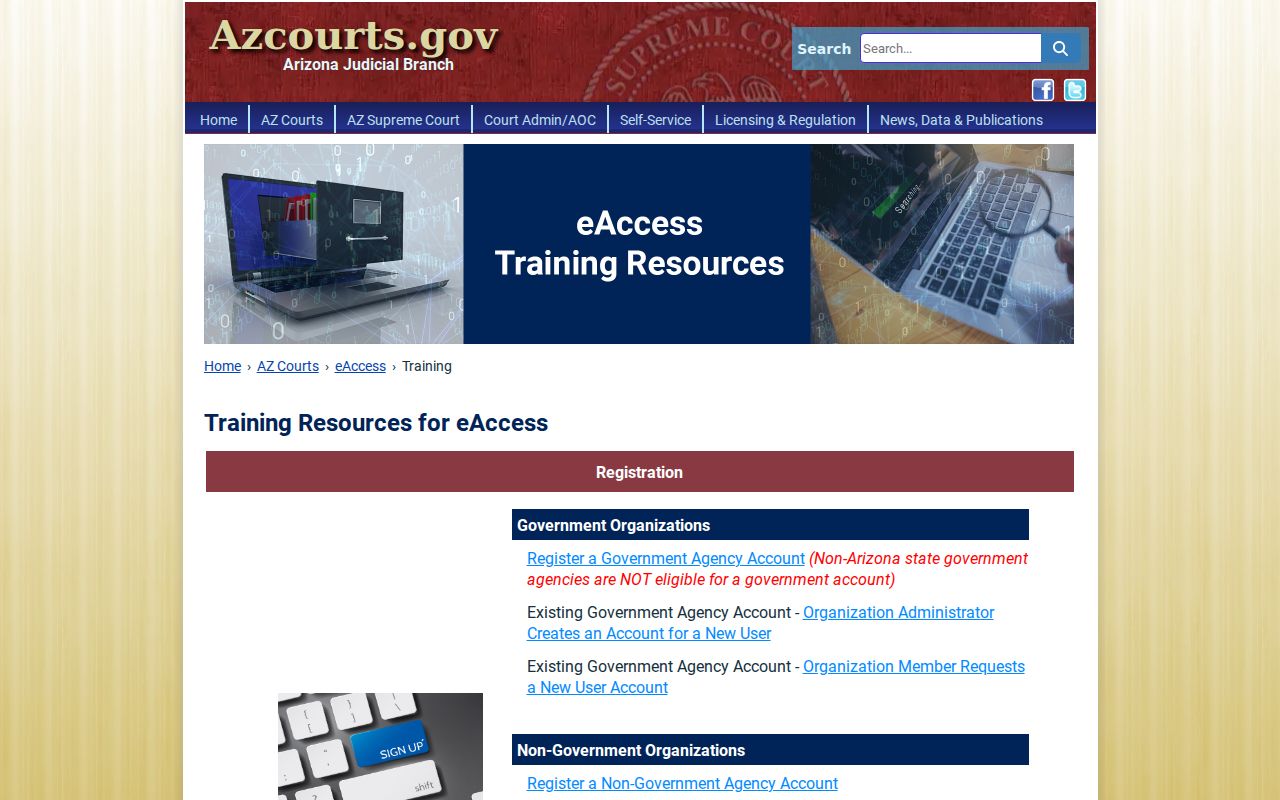
Those two search paths take you from an event label or a party match to an eligible image on the docket. Certification requests, or a record that never shows up, still belong with the proper clerk.
County vs Statewide Case Search
Cochise County runs no local portal that replaces statewide Public Access. That state tool pulls feeds from participating Superior, Justice, and Municipal courts into one index. It is broad, not authoritative.
Corrections call for the local court office. So do current hearing settings, official copies, and anything outside remote access. The real choice is between a wide index and the court of record, not between two rival public databases.
Think of it that way.
| Point | Statewide Public Access | Cochise Court of Record |
|---|---|---|
| Coverage | Participating Arizona courts and public categories | That court’s own cases and retained records |
| Timing | Weekly, Friday through Wednesday data | Current information confirmed by staff or file |
| Depth | Case information and event index | Filed documents, inspection, copies, and certification |
| Best use | Find a court, number, or public event trail | Verify facts or obtain the official record |
Find the case through Public Access first. Then go to the specific Superior, Justice, or Municipal Court when the docket search needs authority, speed, or a document behind the event label.
Cochise County Case Index Timing
The index updates on a Friday rhythm, reflecting data only through Wednesday, so treat it as a locator rather than a live court calendar. A same-week filing or reset may still need direct confirmation from the court of record.
Cochise County Case Filing Boundaries
The eFileAZ portal handles intake for filings. It is not a public Cochise County case lookup. What it accepts varies by case type. Civil and family matters allow both initiation and later filings. Criminal, juvenile, and probate cases support subsequent filings only, and mental-health e-filing is not available at all. Receipt by the filing system, Clerk acceptance, entry into case management, and remote publication remain distinct steps, so a document can clear one hurdle and still not be public yet.
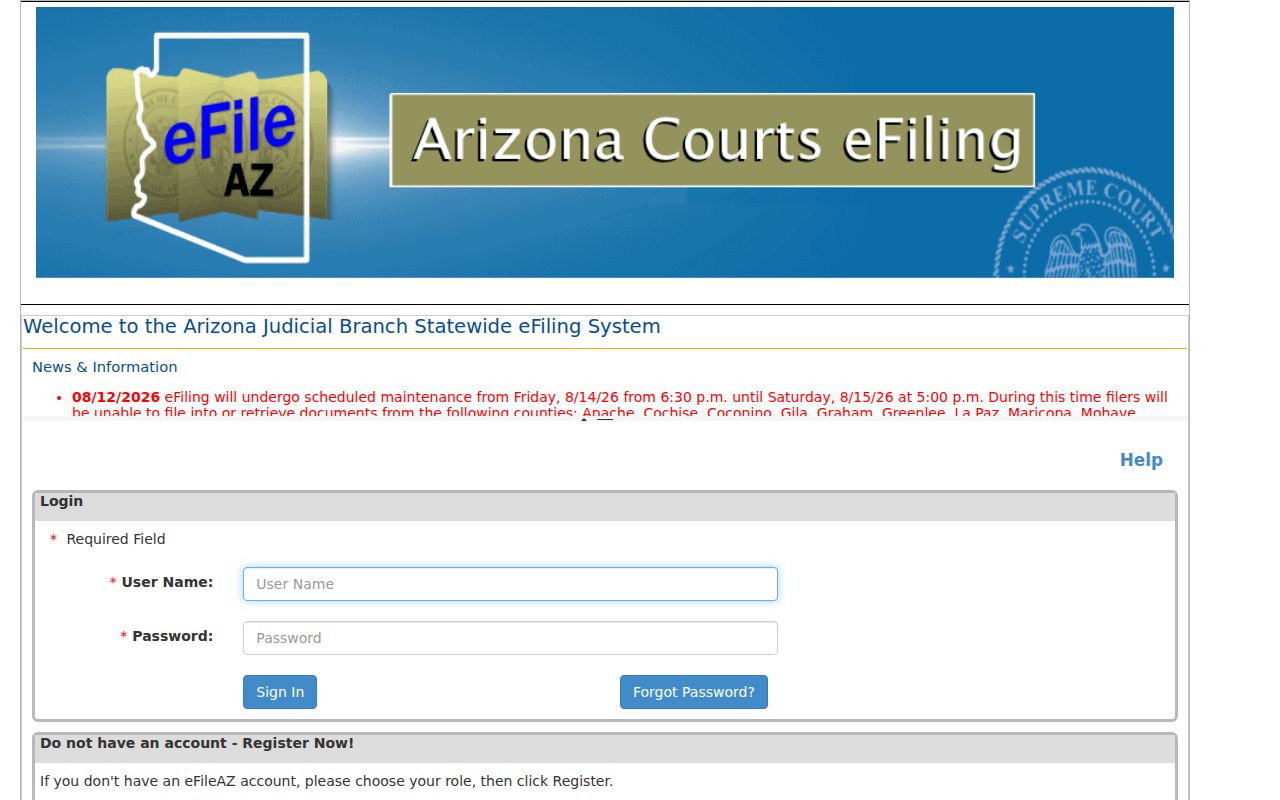
The login and role screens make the split plain, since eFileAZ serves filers while Public Access and eAccess handle search and document tasks.
A brand-new filing will not appear instantly. Wait for Clerk acceptance and the weekly public feed, or call the court when a deadline or hearing makes waiting risky.
Restricted Cases and Access Rules
What does Public Access leave out? Sealed cases, protection orders, mental-health and probate matters, and victim or witness data. Juvenile delinquency and incorrigibility files are excluded too. Local ordinance violations are excluded as well. Some juvenile traffic may still display, though. An empty docket search tells you nothing about the reason. It could be a wrong court or a wrong year. It could be a misspelled name or lagging data. Or the case may sit in a court outside the system.
Arizona Supreme Court Rule 123 governs access to judicial records. Remote electronic access is narrower than what may lawfully occur at a courthouse. Even a public terminal cannot defeat a seal or a confidentiality rule. Authorized parties who need restricted material should contact the court. There they can establish their authority. They should also follow any identity or order requirements.
Missing a public Superior Court record? Try Cochise County's Research Office, the request form, mail, email, or a Clerk counter. For a Justice or Municipal matter, contact that court directly. Once you find the case, the Cochise County court record search explains the copy and certification layer.